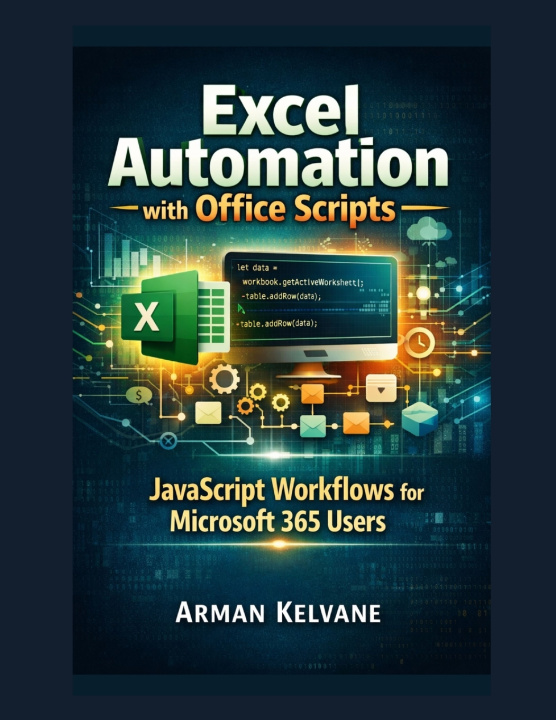
Kniha Excel Automation with Office Scripts Arman Kelvane

Excel Automation with Office Scripts

JavaScript Workflows for Microsoft 365 Users

Autor: Arman Kelvane
Jazyk: Angličtina
Vazba: Brožovaná
Dostupnost: Skladem u dodavatele
Odesíláme za 14-21 dnů
431
Are you still clicking the same buttons in Excel like it's your full-time job? Still copy-pasting da...

Informace o knize

Jazyk
Angličtina
Vazba
Kniha - Brožovaná
Vydáno
2026
Stránek
358
EAN
9798187873760
Enbook ID
53265030
Hmotnost
831
Rozměry
216 x 280 x 19

Kompletní popis

Are you still clicking the same buttons in Excel like it's your full-time job? Still copy-pasting data like it's 2007? Don't worry-I've been there too. The good news? You're about to upgrade from "Excel user" to "Excel automation wizard" (cape optional).

Welcome to a practical, no-fluff guide to mastering Office Scripts using JavaScript inside Microsoft 365. This book is your shortcut to working smarter, not harder-because let's be honest, spreadsheets should work for you, not the other way around.

In this book, I'll walk you step-by-step through everything you need to automate Excel like a pro-even if you've never written a single line of code before.

You'll start with the basics of Office Scripts and quickly move into writing your own scripts, understanding Excel's object model, and automating repetitive tasks that used to eat up your time (and patience). From cleaning messy data to building dashboards and integrating with Power Automate, you'll learn how to turn hours of manual work into seconds of automation.

Here's what you'll discover inside:

  • How to get started with Office Scripts in Excel Online (without feeling overwhelmed)
  • The essential JavaScript skills you actually need (no boring theory, I promise)
  • How to automate data entry, formatting, and repetitive workflows
  • Smart ways to work with tables, large datasets, and structured data
  • Techniques to build dynamic charts and automated dashboards
  • How to connect Excel with Power Automate for next-level workflows
  • Debugging tips and best practices so your scripts don't go rogue
  • Real-world projects like report automation, inventory tracking, and more

This book is designed for Excel users, analysts, business professionals, and curious learners who want to save time, reduce errors, and maybe even impress their boss a little.

No complicated jargon. No unnecessary theory. Just clear explanations, practical examples, and a bit of humor to keep things interesting along the way.

By the time you finish this book, you won't just use Excel-you'll control it.

So if you're ready to stop doing repetitive work and start automating it like a pro, this book is your next step.

Let's make Excel finally behave the way it should.