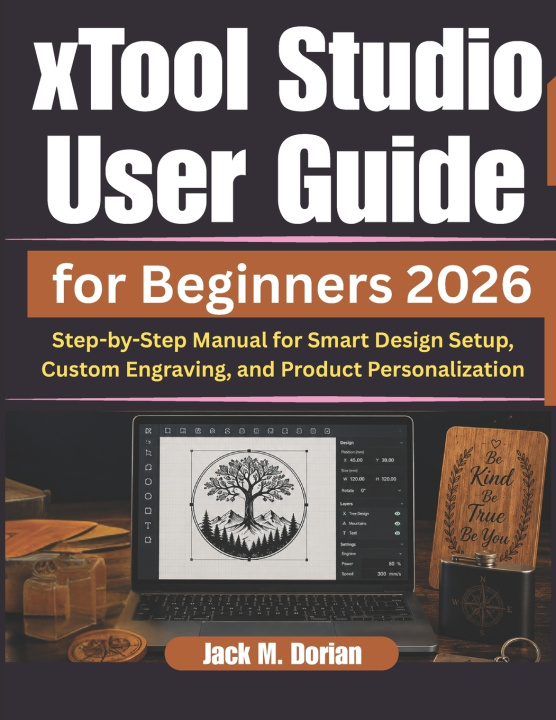
This book is independently published and it is not affiliated with, endorsed by, connected or sponsored by xTool or its parent company. This book is intended solely for informational and educational purposes only.
Unlock the full potential of xTool Studio and take your creative projects to the next level with this practical and beginner-friendly user guide. Whether you are new to laser engraving and design software or looking to sharpen your workflow, this book provides the clarity and confidence you need to get started quickly and work more efficiently.
Designed for beginners and aspiring creators, this comprehensive user guide walks you through the essential tools, features, and workflows of xTool Studio in a clear, structured, and easy-to-follow format. From setting up your workspace and connecting your machine to mastering engraving techniques, vector editing, AI-powered features, and product personalization, every section is written to help you learn through practical instruction rather than confusion or technical overload.
Inside, you will discover step-by-step guidance for creating professional-quality projects, managing design files, improving precision, optimizing material settings, and troubleshooting common problems. You will also learn how to streamline your workflow, customize products effectively, and produce clean, accurate results for both personal and business use.
If you want a reliable educational resource that simplifies the learning process while helping you build real-world skills, this user guide is the perfect manual for your creative journey with xTool Studio.