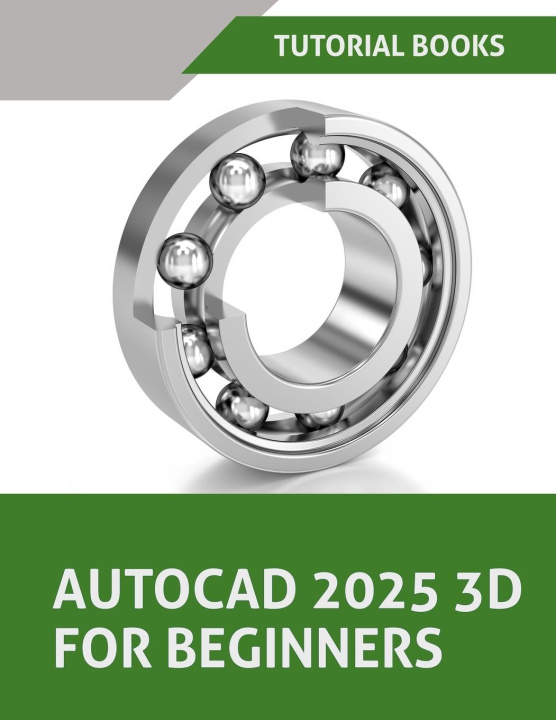
Discover 3D design with AutoCAD 2025 3D For Beginners! This book is ideal for anyone new to AutoCAD and eager to learn how to create 3D models. Whether you're a student, hobbyist, or professional, this guide simplifies complex concepts.
Key Features:
- Clear Instructions: Step-by-step tutorials guide you through each chapter, making learning simple.
- Practical Examples: Real-world examples help you apply your new skills immediately.
- Hands-On Exercises: Practice what you learn with exercises at the end of each chapter.
- Comprehensive Coverage: This book covers everything you need to know from basic commands to advanced techniques.
What You'll Learn:
- Getting Started with AutoCAD 3D: Learn about system requirements, workspaces, and basic commands.
- Extrude and Revolve Features: Master creating extruded and revolved solids, and learn about Boolean operations.
- Placed Features: Explore how to create fillets, chamfers, and shells.
- Arrayed Geometry: Understand how to use mirror and array commands to create complex patterns.
- Sweep and Loft Features: Discover how to create intricate shapes using sweep and loft commands.
- Modifying Parts: Learn to edit your 3D models with various modification tools.
- Drawings: Create detailed 2D drawings from your 3D models.
- Surface Design: Get to grips with surface modeling techniques.
Table of Contents:
Chapter 1: Getting Started with AutoCAD 3D
Chapter 2: Extrude and Revolve Features
Chapter 3: Placed Features
Chapter 4: Arrayed Geometry
Chapter 5: Sweep Features
Chapter 6: Loft Features
Chapter 7: Modifying Parts
Chapter 8: Drawings
Chapter 9: Surface Design
Each chapter has helpful tips and practical examples to build your confidence. By the end of this book, you will have a solid foundation in AutoCAD 3D modeling and be ready to tackle more advanced projects.
Start your journey into the exciting world of 3D design with AutoCAD 2025 3D For Beginners today!